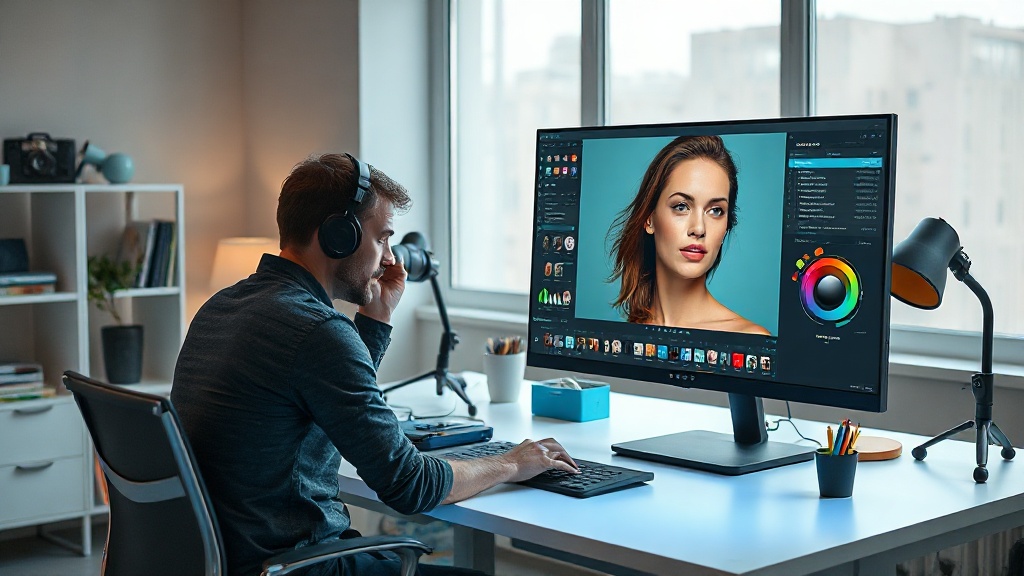
A few years ago, turning an average snapshot into a polished, share-worthy image meant hours in complicated software and a good amount of technical skill. In 2026, artificial intelligence has flipped that script. Edits that used to take a professional 8 to 15 seconds per action now happen in under two seconds, and messy multi-step jobs run as a single smooth pipeline. Whether you are a small business owner shooting products on your phone or a hobbyist fixing family photos, AI photo editing has become fast, forgiving, and genuinely fun.
This guide walks you through the tools worth knowing this year and the practical tricks that separate a quick fix from a truly stunning image, all in plain English.
The AI Photo Editing Tools Worth Knowing in 2026
The market has matured, and most editors now bundle several AI features together instead of forcing you to juggle five different apps. Here are the standouts and what each one does best:
- Adobe Photoshop (Firefly): Still the deepest toolkit, with generative fill, generative expand, and smart retouching baked right in. Best for anyone who wants full control.
- Topaz Photo AI: The specialist for technical rescue jobs. It analyzes your photo and automatically fixes noise, soft focus, and low resolution.
- Photoroom: A mobile-first favorite for background removal, object removal, portrait retouching, and quick upscaling on the go.
- Clipdrop: Bundles background removal, cleanup, relighting, and upscaling in one place so you can cut down on subscriptions.
- Fotor and Fotor-style browser editors: One-click tools like enhance, enlarge, and magic remove that need zero learning curve.
- Claid and LetsEnhance: Built for product and e-commerce photos, with 4x upscaling, outpainting, and photoshoot-style backgrounds.
You do not need all of these. Pick one all-rounder for daily work and maybe one specialist, such as Topaz, for tough rescue jobs.
Retouching Without the “Overdone” Look
The biggest retouching leap in 2026 is reliable object removal. Across the major tools, unwanted objects now vanish cleanly on the first try roughly 90 percent of the time. The old content-aware fill has been rebuilt from scratch using diffusion models, so removing a stray tourist, a power line, or a blemish no longer leaves smeared patches behind.
But here is the trick the pros have learned: technical perfection is no longer the goal. The trend this year is keeping the humanity in the frame. Over-smoothed, plastic-looking skin reads as fake and dates a photo instantly. When you retouch a portrait, dial the intensity back so pores, fine lines, and natural texture stay visible. Fix the distraction, not the person.
- Remove genuine distractions (blemishes, litter, photobombers), then stop.
- Keep skin texture; aim for “good day,” not “waxwork.”
- Zoom to 100 percent to check that AI-filled areas match surrounding detail.
Backgrounds: Remove, Replace, or Expand
Background work is where AI feels like magic, and it is especially valuable for anyone selling products online. One-click background removers now produce clean cutouts even around tricky edges like hair and fur. From there you can drop in a plain white studio backdrop, a lifestyle scene, or a branded color.
The newer superpower is outpainting, or expanding the canvas beyond the original frame. In 2026, AI can extend a scene by two to three times its size while keeping the lighting and context believable, compared to only 30 to 50 percent a couple of years ago. That means you can turn a tight vertical phone photo into a wide banner, or re-frame a square shot to 9:16 for a reel, without reshooting.
- For products, remove the background first, then upscale, then place it on a clean surface.
- Match the new background’s light direction to your subject or the composite will look pasted-on.
- Use outpainting to fix awkward crops instead of retaking the shot.
Upscaling: Rescue Small or Blurry Images
Ever found the perfect photo, only to realize it was tiny or slightly out of focus? AI upscalers are the fix. Tools like Topaz Photo AI and dedicated upscalers can enlarge an image up to 4x while intelligently adding realistic detail, reducing noise, and sharpening soft edges. This is a lifesaver for old family photos, screenshots, or low-resolution product shots you need to print or blow up for the web.
A simple rule: upscale as one of your last steps, after removing objects and correcting color, so the AI enhances your finished result rather than baking in flaws.
Practical Tricks for Consistently Stunning Results
The tools are powerful, but a few habits will make your edits stand out:
- Start with the best source you can. AI fills gaps well, but it works far better on a decent original than a badly lit mess.
- Edit in a sensible order: clean up distractions, then color and light, then background, then upscale last.
- Use one-click enhance as a starting point, not the finish line. Nudge the sliders back if the result looks too punchy or saturated.
- Keep an unedited copy. AI edits are non-destructive in most modern tools, but saving an original protects you.
- Stay consistent. If you are editing a set of product or brand photos, apply the same background, crop, and tone to all of them for a professional feel.
- Edit like a storyteller. Ask what feeling the image should convey, then let that guide your choices rather than chasing flawless pixels.
Where This Is All Heading
The clear direction in 2026 is that the technical grunt work of editing is being automated, freeing you to focus on composition, lighting, and creative direction. AI handles the noise reduction and cutouts; you bring the taste and the story. That is genuinely good news, because it means anyone can produce professional-looking images without years of training, as long as they know which tool to reach for and when.
The learning curve now is less about mastering menus and more about understanding what each AI feature does and how to guide it with clear intent. Get comfortable with the handful of tools above, practice the ordered workflow, and you will be turning ordinary snapshots into striking visuals in minutes.
Want to go deeper and actually master these workflows step by step? AI Learning Guides breaks down the latest AI tools into simple, practical lessons so you can put them to work right away. Explore our guides and start creating stunning images with confidence.
Ready to actually make money with AI?
Reading is step one. Our step-by-step eguides and book bundles hand you the exact workflows, tools, and templates to start earning — without the guesswork. Grab a guide and put this to work today.
Want it all? The Complete Collection (20 books, $289) or the Wealth Mindset Trilogy ($79) bundle up the best of it.


